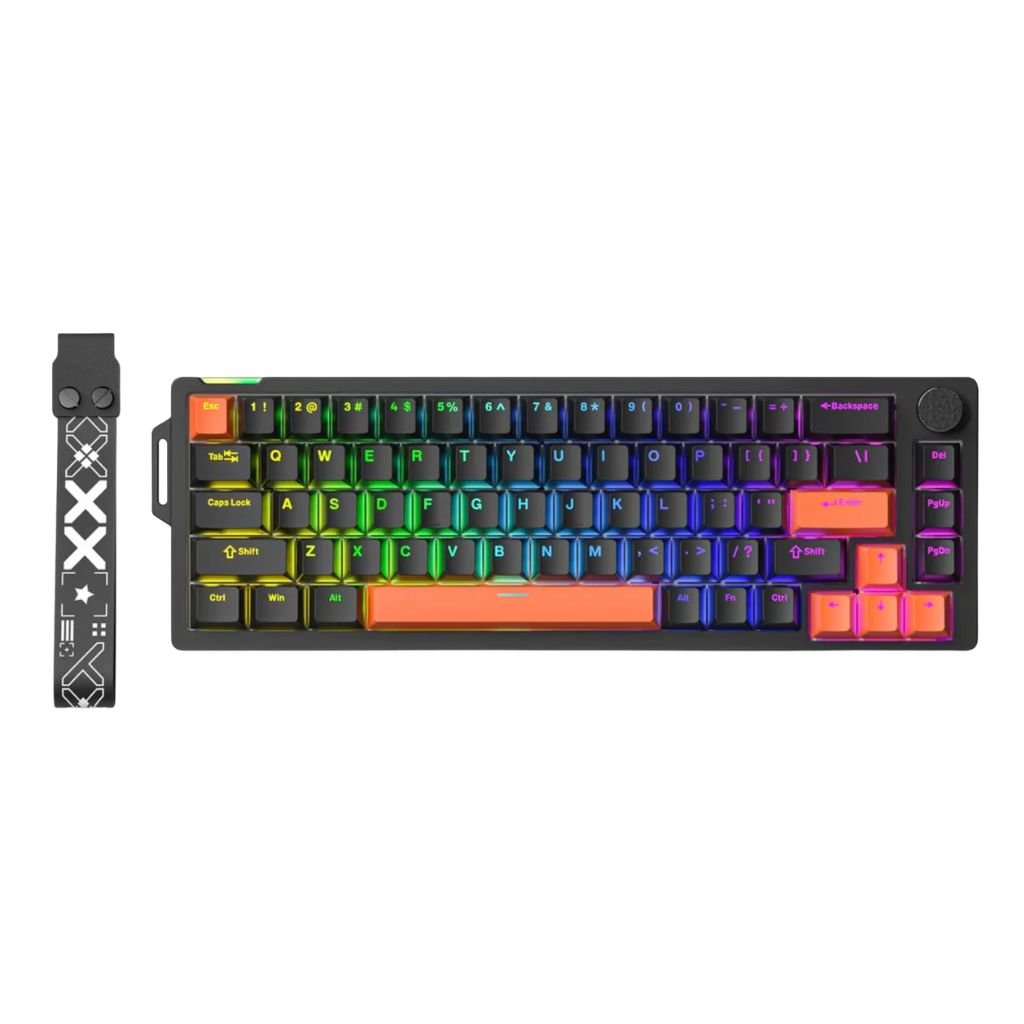
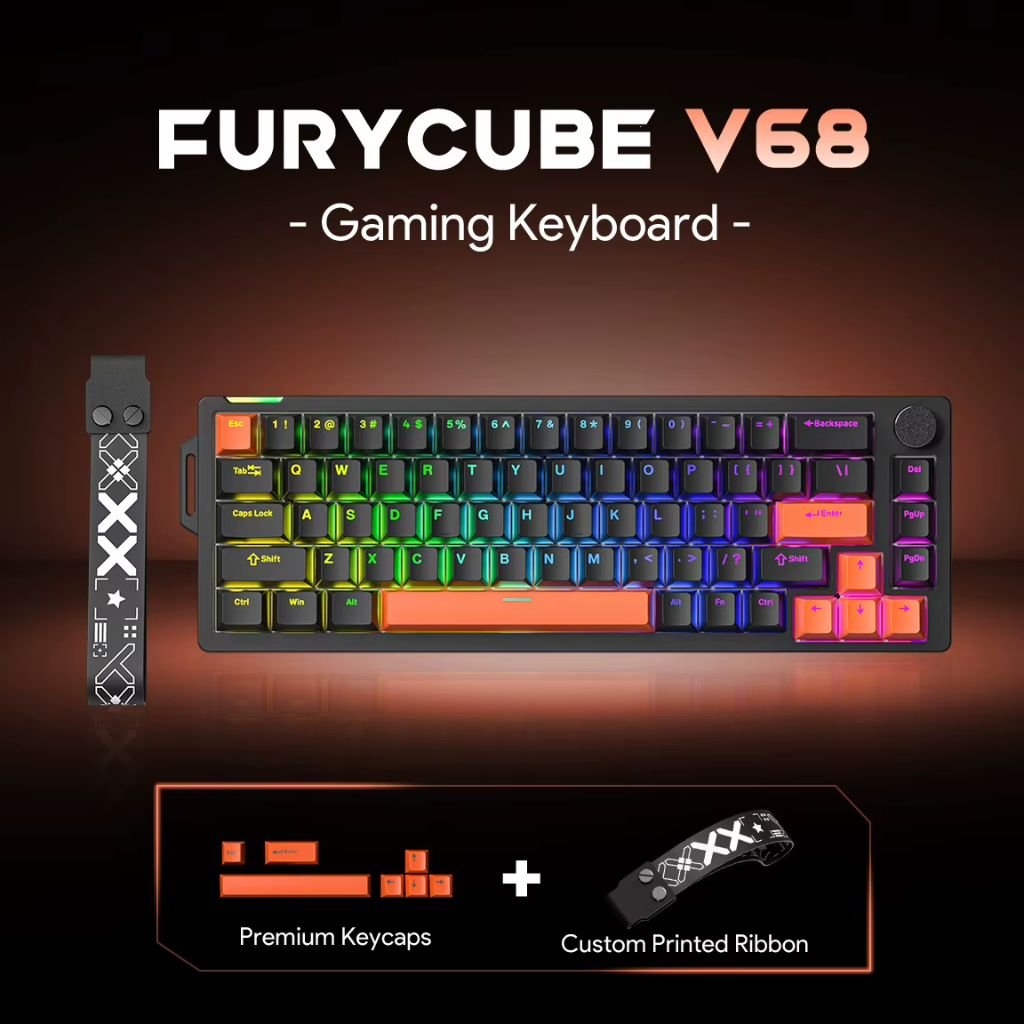
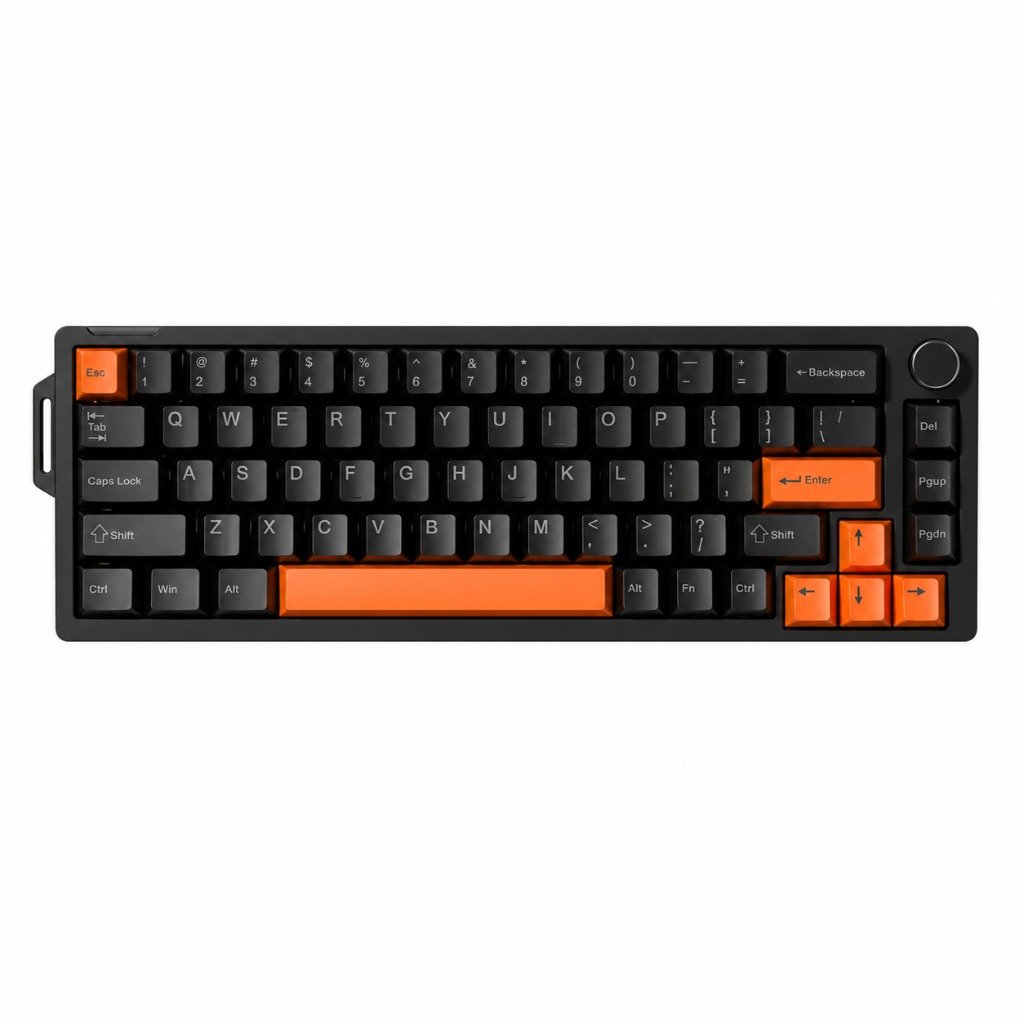


FURYCUBE V68 – a compact mechanical gaming keyboard with “Flowing White” switches, RGB lighting, and a rotary sound and lighting control dial. The 65% form factor leaves more room for a mouse, and the dedicated arrow and navigation keys come in handy for both gaming and work. The keyboard connects via a detachable USB cable and features an English QWERTY layout.
Compact design with dedicated arrow keys
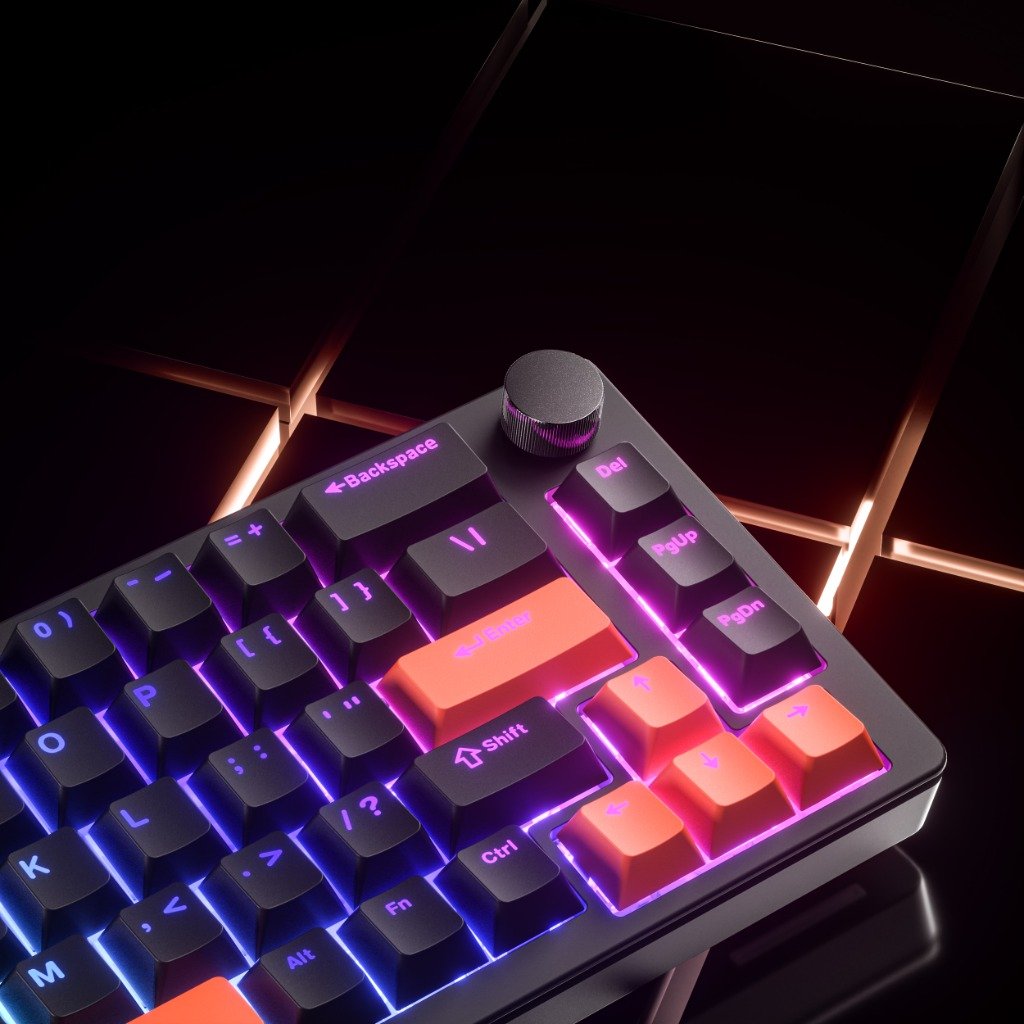
The 308 × 112 mm keyboard is ideal for a workspace where it’s important to save desk space and leave room for mouse movement. The right side features dedicated arrow keys, “Delete,” “Page Up,” and “Page Down” keys, making it easy to navigate text, browse documents, and control games.
The F1–F12 keys and additional navigation commands are accessible via Fn key combinations. This allows the compact design to retain the functions needed for everyday work.
“Flowing White” Mechanical Switches
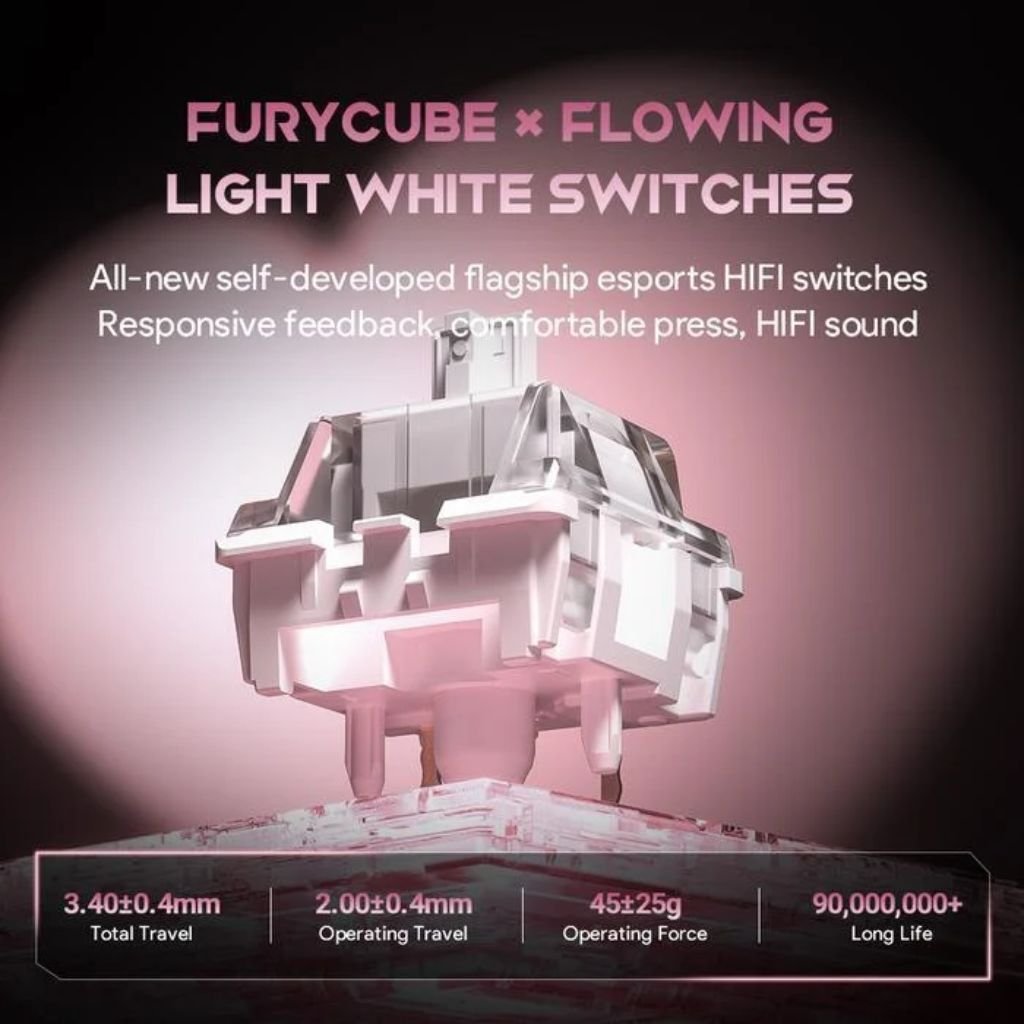
The V68 uses “Flowing White” mechanical switches —each key has its own mechanism that registers a keystroke. The key travel distance is— 50 million clicks .
The switches can be replaced with other compatible switches, so you can replace a single switch if necessary or adjust the keypress feel to suit your needs. The kit includes 2 spare mechanical switches and a removal tool.
Detection of Simultaneously Pressed Keys
The “N-key rollover” feature allows the keyboard to register multiple keys pressed at the same time. It is useful when gaming, as it enables simultaneous use of movement, jump, and other action keys.
By using the Fn and Windows key combination, you can lock the Windows key so that accidentally pressing it while gaming won’t open the Start menu.
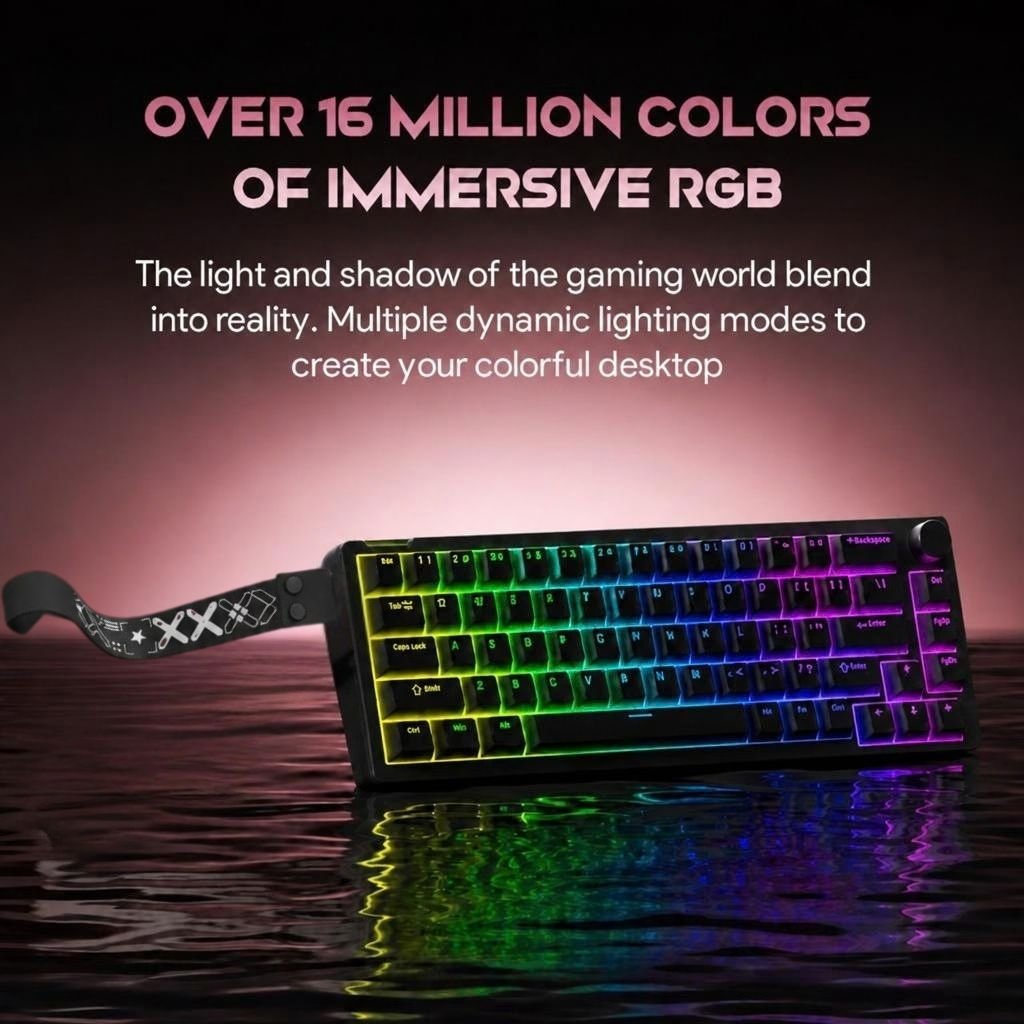
RGB lighting with 16 modes
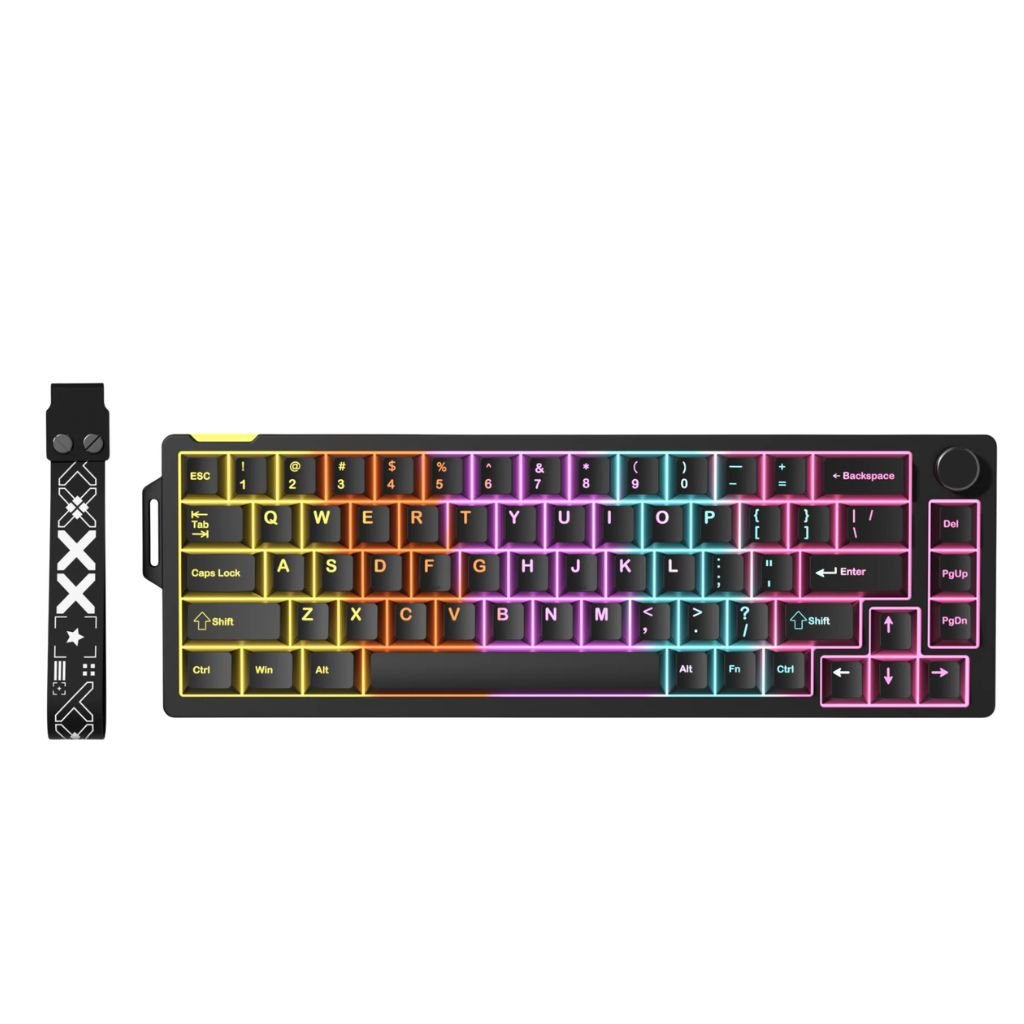
The built-in RGB lighting has 16 modes. You can use keyboard shortcuts to change the lighting effects, brightness, and effect speed, as well as select a single-color lighting mode or turn it off.
You can adjust the lighting to match your other computer accessories or choose a more subdued option for work.
Replacing the orange key caps
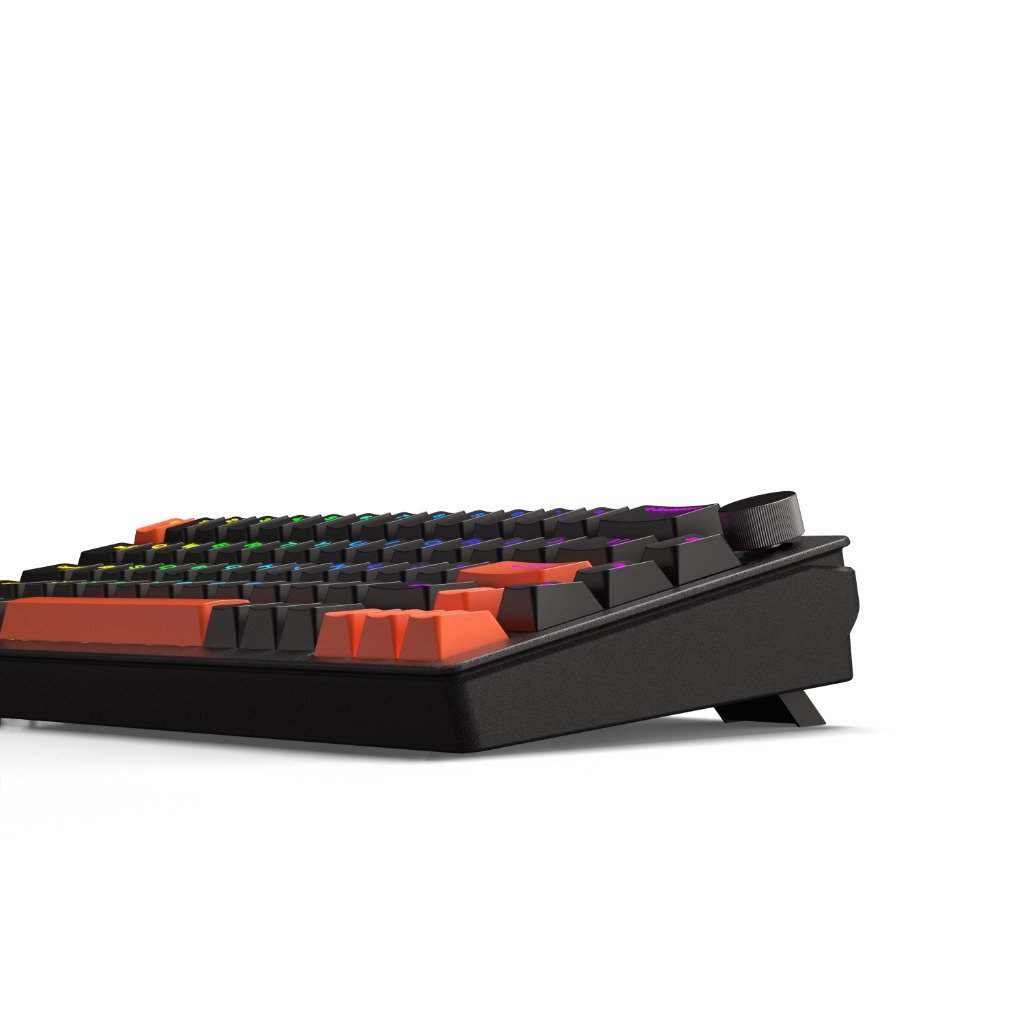
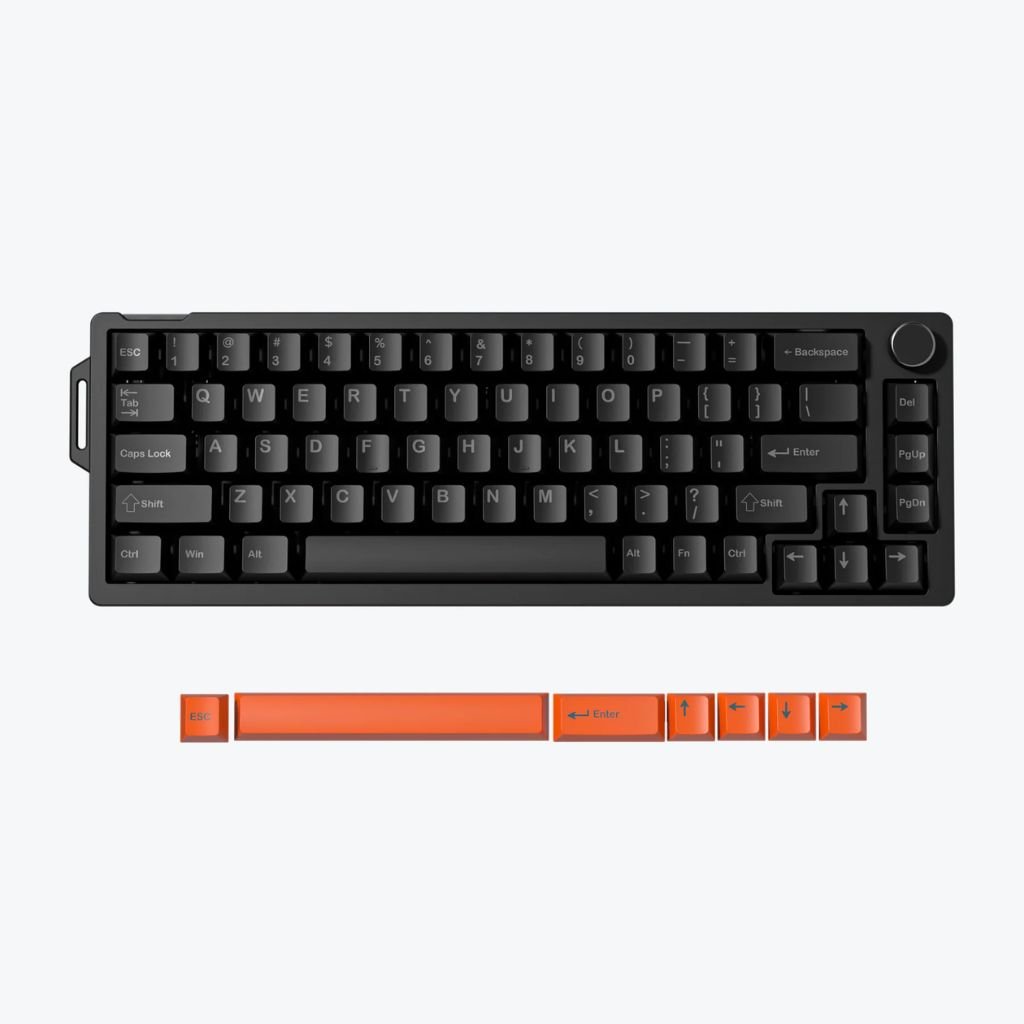
The black keyboard design is complemented by orange accents. The included extra orange keycaps let you change the look of selected keys, highlight your most-used keys with color, and create your own combination of black and orange.
The keycaps can be replaced separately from the mechanical switches, so you can refresh the keyboard’s appearance without changing its typing feel. The removal tool included in the set helps you remove the replaceable keycaps.
Rotating Audio and Lighting Controller
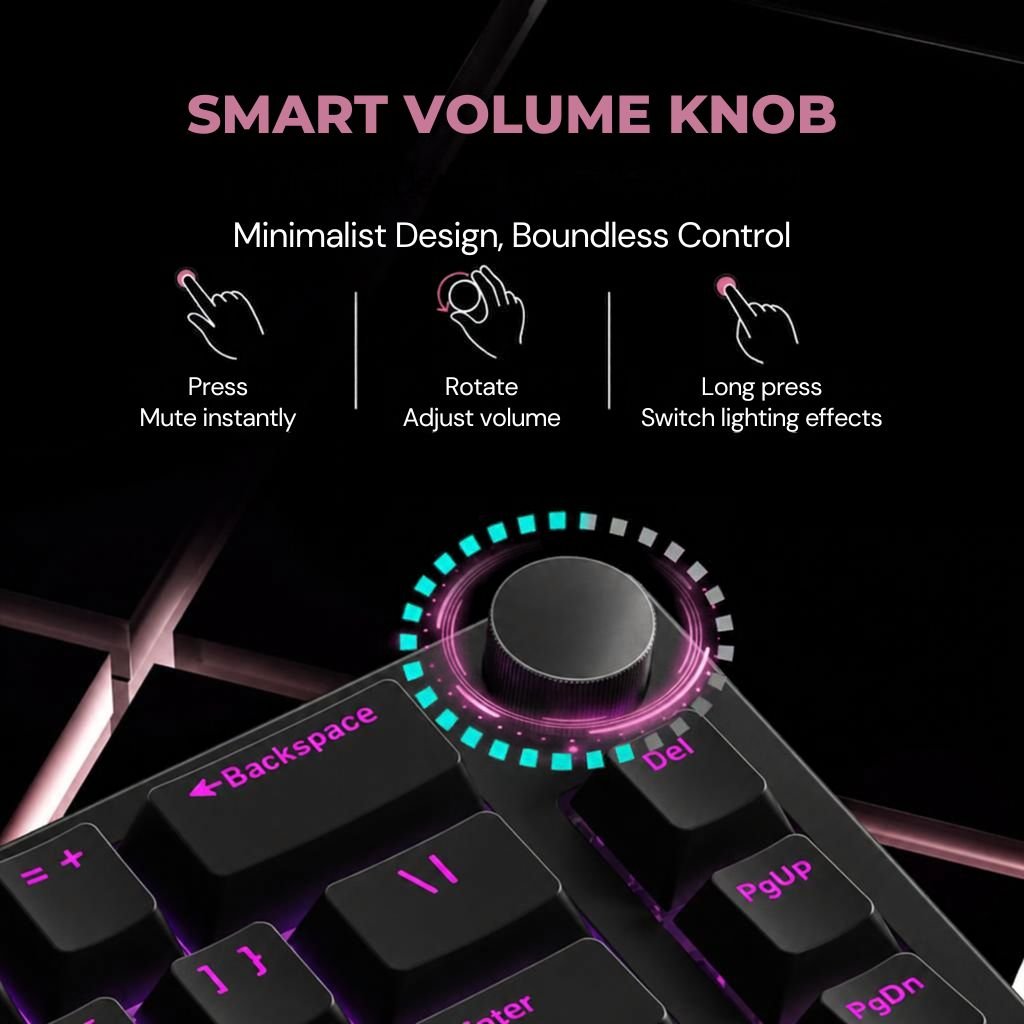
The rotary control in the upper right corner lets you adjust the volume, and pressing it mutes the sound. This is convenient when you need to quickly adjust the volume while gaming, listening to music, or participating in a conversation.
Hold down the control for 3 seconds to activate the lighting controls: turn it to adjust the brightness, and press it to switch between lighting modes.
Detachable Cable and Windows and Mac Modes
The keyboard connects to the computer using the included 1.5-meter USB cable, which plugs into the keyboard via a USB-C port. The detachable cable is convenient for transporting or storing the keyboard. No batteries or charging are required for wired use.
The keyboard has separate “Windows” and “Mac” modes, which can be switched using Fn key combinations. This allows you to select the keyboard mode that matches the computer you are using.
Included in the box
- mechanical keyboard;
- A 1.5-meter USB cable with a USB-C connector on the keyboard side;
- 2 spare mechanical switches;
- additional orange keycaps;
- tool for removing keycaps and switches;
- decorative strap;
- Instructions for Use.
Technical specifications
- Keyboard type: mechanical
- Format: compact, 65%
- Switches: “Flowing White Switch”
- Replaceable switches: yes
- Key life: 50 million keystrokes
- Keyboard layout: QWERTY, English (EN)
- Arrow keys: individual
- Navigation keys: “Delete,” “Page Up,” “Page Down”; additional commands via Fn combinations
- F1–F12 functions: accessible via Fn combinations
- Separate number pad: no
- Simultaneous Key Press Detection: “N-key rollover”
- Additional feature: “Rapid Trigger”
- Windows key lock: enabled
- Lighting: RGB, 16 modes
- Lighting Control: Effects, Color, Brightness, and Effect Speed
- Rotary control functions: volume control, mute, lighting modes, and brightness control
- Connection: wired USB
- Keyboard connection: USB-C
- Cord: detachable, 1.5 m
- System Modes: “Windows” and “Mac”
- Dimensions: 308 × 112 mm
- Keyboard weight: 525 g
- Supply voltage: 5 V
- Current: less than 300 mA
- Color: black with orange accents


